AI-powered engineering for SAP Integration Suite.
Two core paths in one workspace: migrate existing integrations to SAP Integration Suite, or build new ones directly on the platform.
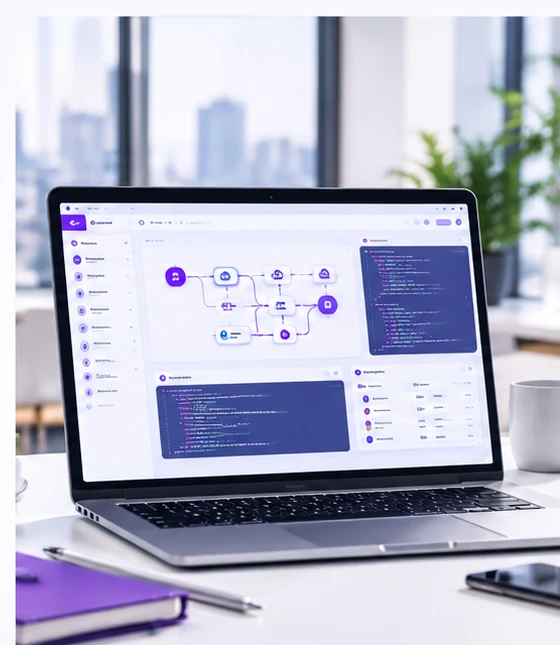
AI supports the work. Your team owns the decisions.
Discover and analyse. Recommend and generate. Review, refine and approve. Customer teams retain authority over architecture, release and production deployment.
Move from leading integration platforms to SAP Integration Suite.
Migration support today covers TIBCO BusinessWorks and MuleSoft Anypoint Platform. webMethods and Boomi are on the roadmap.
- 1
Assess
Veltra analyses the selected legacy integrations: processes, schemas, dependencies and patterns.
- 2
Transform
It recommends SAP target designs and, once approved, generates iFlows, mappings and documentation.
- 3
Validate
Generated test assets check the results. Your team validates before release.
Build new integrations right on SAP Integration Suite.
From requirements to tested iFlows, every stage is AI-assisted and every design is human-approved.
-
Stage 1
Analyse and design
- Requirement analysis
- Architecture design assistance
- Integration pattern recommendations
- API and interface design
-
Stage 2
Develop and document
- AI-assisted iFlow development
- Mapping and transformation assistance
- Documentation generation
-
Stage 3
Test and validate
- Test-case generation
- Validation and quality assurance
- Implementation standards
Every recommendation waits for a person.
Veltra shows its reasoning and the alternatives. Architects approve, adjust or reject. Nothing moves to production without your organisation’s release approval.
Graphical mapping for most fields, plus a short script for the custom date and currency logic. Easiest for your team to maintain.
Everything in one transformation file. Compact, but harder to review visually.
Most flexible option, but the logic is hidden from non-developers.
Your Transformation. Your Decisions. Just AI-Powered Execution.
AI recommends and generates. People review and approve. You own the transformation.